
At a glance
| Official invite | discord.gg/Qa4v9FYzY7 (linked from mycopunkgame.com) |
|---|---|
| Also linked by | Pigeons at Play's Bluesky profile |
| Creator servers | Separate, unofficial communities |
| In-game voice (1.9) | Built on Discord's social SDK |
| Discord account needed for voice? | No |
| Voice modes | Push-to-talk and open mic |
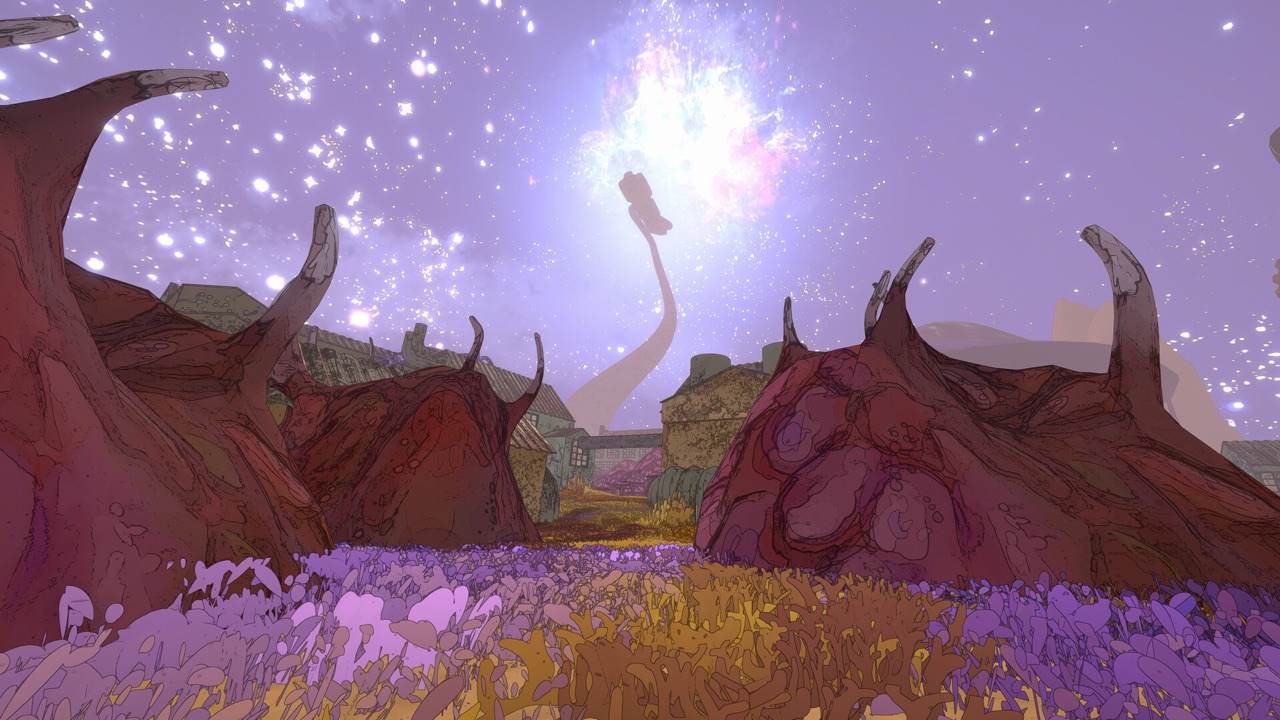
The official Mycopunk Discord invite
The official Mycopunk website links a Discord invite: discord.gg/Qa4v9FYzY7. When this page was researched on October 19, 2026, the invite page loaded correctly and Discord's own API returned a valid invite. That is the server to join for the official community.
The developer's Bluesky profile, for Pigeons at Play, also links a Discord invite alongside the game's website. Having the invite listed in two developer-controlled places is good evidence that it is the official server.
Invite links can change over time. If the link ever stops working, go back to the official website and use the link it shows at that moment.
Official server vs creator servers
Many Mycopunk YouTube videos include a Discord link in their description. Those links usually go to the creator's own server, not the official game community. SlideDrum's popular new-player guide, for example, links the creator's personal Discord.
Creator servers can be great places to chat with fans of a particular channel. They are simply different communities with their own rules and moderators. If you want official announcements and the main player base, use the invite from the game's website.
The r/MycopunkGame subreddit also lists its own Discord link. Treat it the same way: a community space, not a replacement for checking the current official invite. There is nothing wrong with joining several servers; just know which one is official when you need announcements or developer news.
How to join safely
Joining the official server takes only a minute. Follow these steps so you know you are in the right place.
- Open the official Mycopunk website at mycopunkgame.com.
- Use the Discord link shown there, or the invite discord.gg/Qa4v9FYzY7.
- Accept the invite with your Discord account.
- Read the server's rules and announcement channels first.
In-game voice chat does not need Discord
Version 1.9, The Enemy Update released on June 25, 2026, added built-in voice chat. It is built on Discord's social SDK, which is why the two get confused. However, the official notes state that you need neither a Discord account nor the Discord desktop app to use it.
The voice system offers push-to-talk and open-mic modes. Choose push-to-talk if you play in a noisy room or with strangers, and open mic if you play with friends who are happy to hear everything. You can change the mode in the game's settings.
In short, Discord the community and Discord-powered voice chat are separate things. You can use either one without the other, so a crew can pick whichever suits it.
What the community is useful for
Community spaces are where players share discoveries, ask for help and find crews. Recurring questions on r/MycopunkGame, for instance, cover access cards, upgrade interactions and how to spend resources. Many secrets in this wiki, such as the red key card route, were first reported by players in community threads.
Remember that comments in any community are player reports, not developer documentation. They are excellent leads, but check them against patch notes or other players before relying on them. This wiki cites community reports only when several independent players agree.
Finding a crew through Discord
If the in-game crew browser looks quiet in your region, a community server is a good way to find regular teammates. Agree on the game version and whether anyone is running mods before you start, because hosts can block modded players. Our matchmaking guide explains the browser and the modded-lobby settings.
Once you are in a crew together, you can switch to the in-game voice chat or keep talking on Discord, whichever your group prefers.
Watch out for fake invites and offers
Only trust Discord invites that come from the official website or the developer's own profiles. Links shared in comments, direct messages or unofficial sites may lead to look-alike servers. If an invite does not match the one on mycopunkgame.com, be cautious.
Be especially wary of anyone offering free keys or redeem codes. No reward redeem codes for Mycopunk could be verified through official channels, so a message promising one is a warning sign. Never share your account details in exchange for an item.
Other official channels to follow
Discord is only one of several official channels. Patch notes are posted in the official Steam announcements, which are the most reliable record of what changed in each update. Trailers are published on Devolver Digital's YouTube channel.
For PS5 information, the official PlayStation game page lists the release date and online requirements. The official website ties all of these together and links the current Discord invite. Following a mix of these sources means you will not miss important news, even if you rarely open Discord.
- Official website: mycopunkgame.com.
- Patch notes: official Steam announcements.
- Trailers: Devolver Digital on YouTube.
- PS5 details: the official PlayStation game page.
Discord for PS5 players
The Discord community is open to anyone with a Discord account, whichever platform you play on. That makes it a useful place for PS5 players arriving with the October 20, 2026 launch to ask questions. Keep in mind that crossplay between PC and PS5 had not been confirmed as of October 19, so check which platform a potential teammate uses.
We have not verified how the built-in voice chat behaves on PS5, since the 1.9 notes describe it for the existing PC game. Our PS5 guide collects what Sony has confirmed.
Bug reports and support
For crashes, save problems or account issues, the official Discord and the official Steam discussions are the right places to report them. Purchase and refund issues belong with Steam or PlayStation support instead. This wiki cannot help with account problems, but we do welcome corrections to our guides through the contact page.
When you report a bug anywhere, include your platform, game version and what you were doing when it happened. A screenshot or short clip makes it far easier for others to reproduce the problem and for the developer to fix it.
What we do not publish
We did not enter private channels or copy messages from the server. We also do not publish a member count, because it changes constantly and was not verified. Finally, we do not guarantee that the invite link will stay the same forever; the official website is the source of truth.
If you notice that the official invite has changed, please let us know through the contact page so we can update this guide.
Sources and further reading
- Mycopunk official website
- 1.9: The Enemy Update — official announcement (Jun 25, 2026)
- r/MycopunkGame — player community
- Mycopunk official Steam news feed (patch notes)
- How do you get the red keycard? — r/MycopunkGame (Jul 2026)
- Mycopunk official Steam announcements
- Mycopunk — PlayStation game page (official)
- Pigeons at Play — Bluesky profile
- New player guide to Mycopunk — SlideDrum (YouTube, Jul 22, 2025)