
At a glance
| How to find players | In-game crew / lobby browser, or join friends |
|---|---|
| Crew size | Up to 4 players |
| Browser details (Oxythane Breach) | Hover info on crew members and mission duration |
| Modded lobbies (1.0.5) | Labelled; host setting Allow Modded Joiners |
| Voice chat (1.9) | Built in; no Discord account needed |
| Automatic fill queue | Not supported by the evidence |
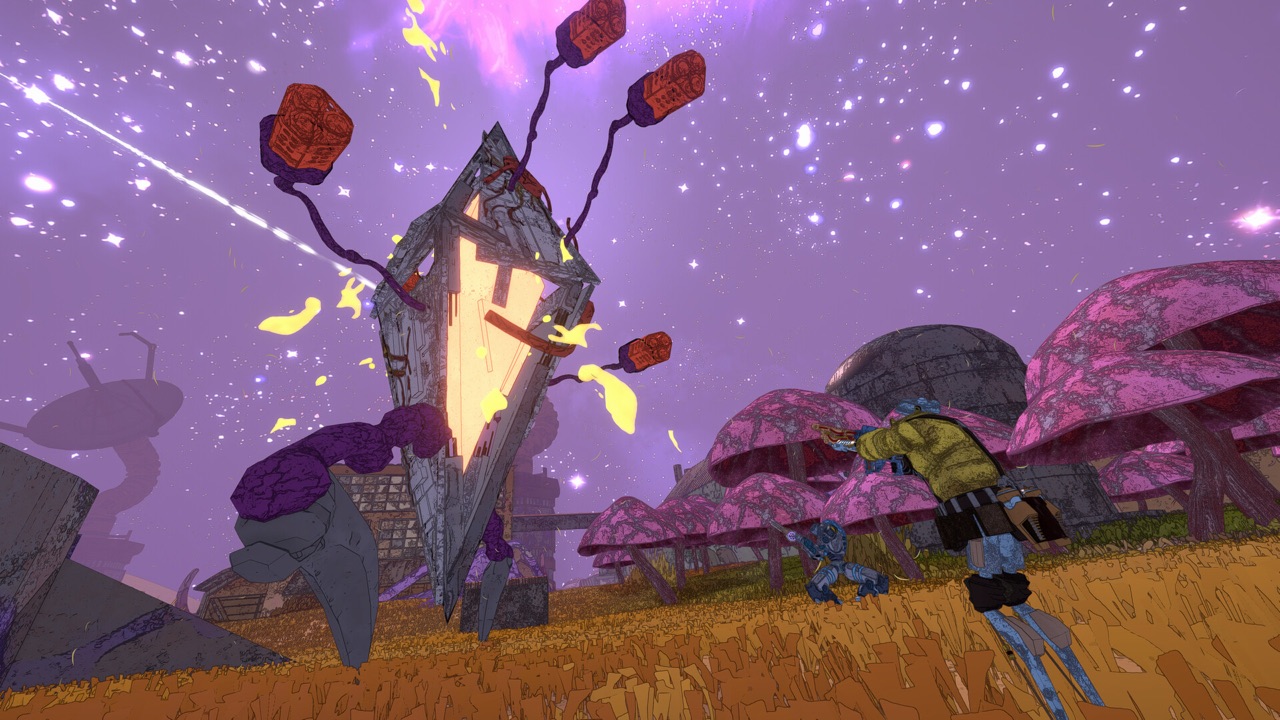
How matchmaking works in Mycopunk
Finding other players in Mycopunk is mostly a manual process. The game offers a crew browser, sometimes called the lobby browser, that lists crews you can join. You choose a crew yourself rather than being placed into one automatically.
Player reports on Steam describe this browser-based workflow, and the developer's own patch notes refer to improvements in the crew browser. That combination makes the lobby browser the clearest, best-supported answer to how matchmaking works.
You can also skip the browser entirely by joining friends. For a regular group, inviting each other is usually the most reliable way to play together.
Using the crew browser
When you open the crew browser, you see a list of available crews. Since the Oxythane Breach update on November 3, 2025, hovering over a crew shows details about its members and how long its current mission has been running. That helps you avoid joining a mission that is nearly finished, or a crew that does not suit you.
Pick a crew with space, check its details and join. Crews hold up to four players, so a crew with three members is one join away from a full squad.
- Open the crew browser in game.
- Hover over a crew to see its members and active mission duration.
- Check the version and whether the lobby is modded.
- Join a crew with an open slot, or invite friends instead.
Check the version and modded settings first
Two settings cause many failed joins. The first is the game version: if you and the host are on different versions, joining may not work as expected. Update the game before searching for crews, especially around big releases such as 1.0 on October 20, 2026.
The second is modding. Update 1.0.5 added indicators that show when a lobby is modded, and a host setting called Allow Modded Joiners. If you are running mods and the host has turned that setting off, you will not be able to join their crew.
If you mod your game, look for hosts that allow modded joiners, or disable your mods before joining a vanilla lobby. Our mods guide explains the setup.
Why the lobby list can look empty
Some players see only a few crews in the browser. A mod author who built a tool called RegionBypass explains that lobby results are filtered by Steam region. If few players in your region are online, the list can look sparse even when the game is busy elsewhere.
RegionBypass is a mod, not an official feature or a required fix. It is useful context for understanding a short list, but you do not need it to play. Trying again at a busier time of day, or joining friends, usually solves the problem.
Known lobby problems in the past
Steam discussion threads have reported lobby list and join failures at various points, including one titled “Another Lobby Browser Oopsie.” These reports show where the browser has caused trouble historically. They do not mean every player has those problems today.
If you hit a join failure, first check that your game is up to date and that your modded status matches the lobby. If the problem continues, the official Steam discussions and the official Discord are the right places to report it.
Hosting your own crew
If you would rather host than join, decide first how you feel about mods. The Allow Modded Joiners setting from update 1.0.5 lets you keep your crew vanilla or open it to modded players. Choosing deliberately avoids surprises once a mission starts.
Keep your game updated so players on the current version can join you. Around major updates, such as the 1.0 release, many players update at different times, so a quick check of your version saves failed joins. Hosting with friends first is an easy way to learn the flow before opening your crew to strangers.
Tips for a better public crew
Public crews work best when everyone knows the plan. Say briefly what you want to do, whether that is a normal mission, a secret route such as the bunker, or farming resources. A shared goal keeps the crew together for longer.
Use the mission-duration information in the browser to pick crews at the start of a mission when you want a full run. If a crew is mid-mission and you only have a few minutes, that can be a good fit too. Leaving politely, rather than mid-fight, keeps public lobbies friendly.
Talking to your crew
Version 1.9 added built-in voice chat, powered by Discord's social SDK. You do not need a Discord account or the Discord app to use it. Push-to-talk and open-mic options are both available in the settings.
That makes playing with strangers much easier, because you can coordinate without exchanging usernames or joining a server first. If you prefer text or want to find a regular group, the official Mycopunk Discord is linked from the game's website; see our Discord guide.
Solo while you wait
Mycopunk fully supports single-player, so you never have to wait for a crew to make progress. Many players learn the basics solo and join crews once they understand missions and upgrades. Our beginner overview explains what to learn first.
When you do join a crew, coordinate roles and loadouts. A crew where each player brings something different usually performs better than four copies of the same build, and our build guide can help you choose.
Matchmaking on PS5 and across platforms
The PS5 version launches on October 20, 2026 with online co-op for up to four players. Sony's listing says PlayStation Plus is required for online play, so each player in an online crew needs a membership. We have not yet verified how the crew browser looks on console.
Crossplay between PC and PS5 had not been confirmed as of October 19, 2026. Until it is, assume you will find crews on your own platform. Our crossplay page tracks the latest status.
What we do not promise
One third-party article described automatic slot filling and said players cannot join mid-mission. Those claims conflict with other evidence, including the browser's mission-duration display, so they were excluded. We do not promise a quickplay queue, a port-forwarding requirement or a universal network fix.
If the game adds new matchmaking features in the 1.0 release, we will update this guide from the official patch notes.
Sources and further reading
- Oxythane Breach — official announcement (Nov 3, 2025)
- Mycopunk official Steam news feed (patch notes)
- 1.9: The Enemy Update — official announcement (Jun 25, 2026)
- Mycopunk — Steam store page (official)
- Mycopunk — PlayStation game page (official)
- Another Lobby Browser Oopsie — Steam player discussion
- RegionBypass — Thunderstore mod page (Sparroh)